
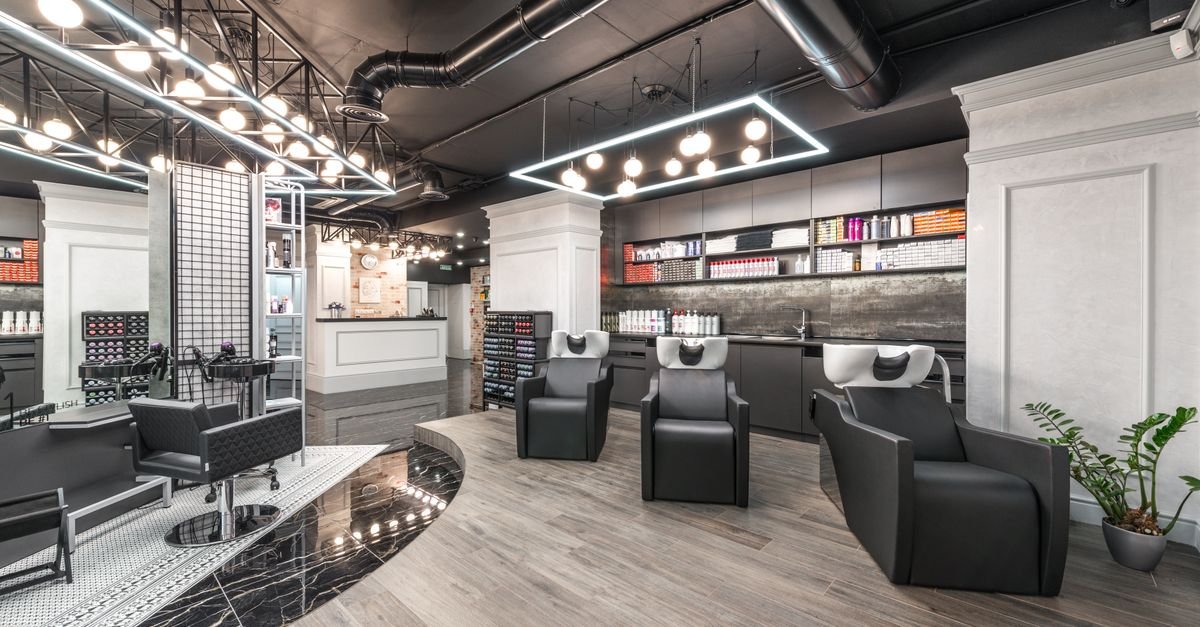
Clients want prices, stylists, photos, location and a fast way to book, so put them all on the first phone screen. That is the whole job of salon website design.
This guide is for salon owners, not developers. If you run a beauty salon website, a hair salon website, or a unisex salon website Hyderabad clients find on Maps, you will learn how clients decide, what features bring bookings, and how booking plus WhatsApp keeps chairs full.
You do not need a fancy site. You need a booking machine. Every screen should push toward one action: pick a service, pick a stylist, pick a time, then book.
At DeskBees, we are a web agency from Secunderabad, Hyderabad. We design and host salon websites, plus a salon billing app for repeat visits.
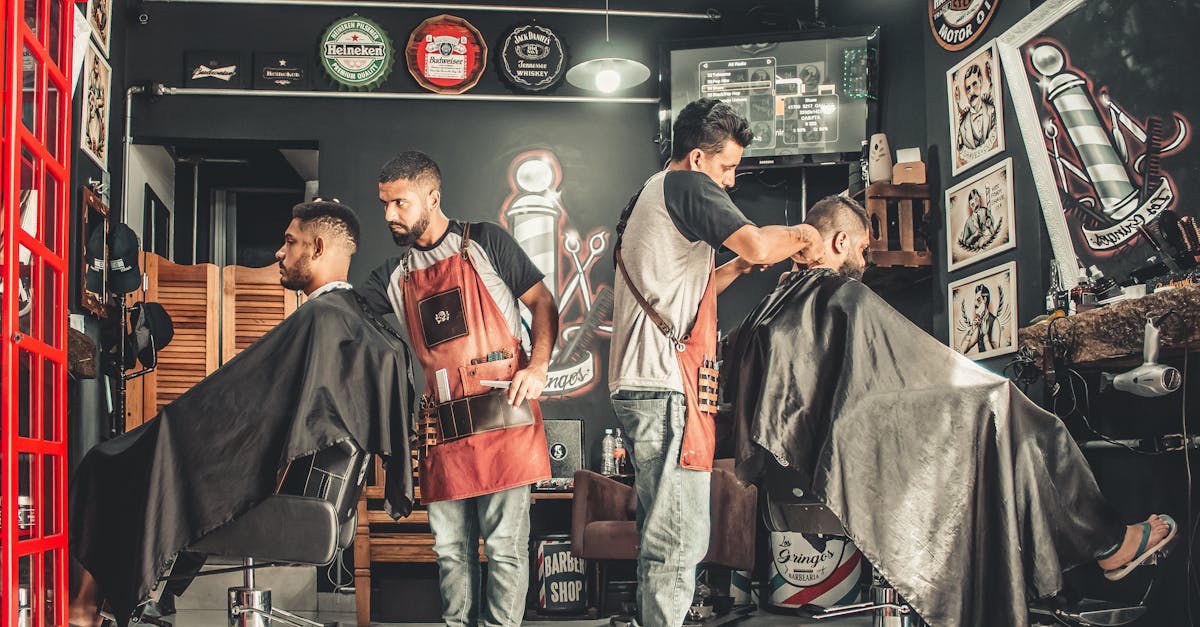
How Clients Pick a Salon on Their Phone
Picture a client on a busy evening in Hyderabad. She needs help before a family function on Saturday. She searches for a salon near her, opens three tabs, and compares them in an auto.
She does not read your About story first. She checks fast signals. How much for a haircut plus colour. Who will do it. Does the work look good on hair like hers. Is it near her. Can she book now without calling.
If one site answers all five in 30 seconds, she books there. That quick comparison is why salon website design must be built for phones first.
Think of your homepage as your front glass. A client walking past sees chairs, smiles and a rate card. Your first phone screen must do the same job.
Here is the decision journey we see across salons:
| Step | What the client asks | What she wants to see | What loses her |
|---|---|---|---|
| 1. Search | Is there a good salon near me | Google result with rating, area, open hours | No Google profile, wrong hours |
| 2. Price check | What will this cost me | Service menu with starting prices and time | No prices, or Call for price on everything |
| 3. Stylist check | Who will touch my hair and skin | Stylist faces, roles, specialties | Stock models, no names |
| 4. Proof check | Is their work good | Real gallery, Google reviews | Blurry photos, only an Instagram link |
| 5. Logistics check | Can I reach in time | Address with landmark, map, hours | Vague address, no map, old timings |
| 6. Booking | Can I lock my slot now | Book button, WhatsApp button, slot options | Long form, no reply promise |
Most salon owners focus on Step 1 and Step 6. They run ads and add a booking button. But clients drop at Steps 2 to 5. Fix the middle and bookings rise without more ads.
For a unisex salon website Hyderabad shoppers compare, show two paths from the homepage: Hair, Skin, Nails, Makeup, Men. Men scan for a mens menu and wait time. Women scan for product brands and privacy. Do not mix everything in one long list.
Keep buttons large and sticky. Keep call and WhatsApp at the bottom. Test on a low cost Android phone on mobile data. If it feels slow there, clients feel it too.
Salon Website Design: Anatomy of a Site That Fills Chairs
What is a salon booking website? It is a beauty salon website where every page ends in a slot. It shows services with prices, stylists with faces, work with photos, and location with maps, plus a fast path to book on phone or WhatsApp.
You do not need 30 pages. Most salons win with 8 to 12 pages: Home, Services and Price List, Stylists, Gallery, Offers, Reviews, About, Contact and Book, plus Location pages for extra outlets.
If you want help with structure, see our website design service. We map these pages to your service list before we design.
Here is the anatomy that books. Use it as your checklist:
| Feature | Why it books |
|---|---|
| Sticky Book and WhatsApp buttons | Clients decide fast. Fixed buttons mean they never scroll back up to act. |
| Service menu with prices and duration | Price plus time removes fear. Example: Haircut starts at Rs X, 45 mins. Note that final price depends on hair length. |
| Stylist profiles with photos | People book people. Show face, role, experience and loves: balayage, keratin, bridal, skin, nails. Link each stylist to Book. |
| Real gallery with filters | Filter by hair, skin, nails, bridal, men. Real work on real Indian hair and skin builds trust. Take consent for every photo. |
| Location, hours and directions | Full address with landmark, map, parking and metro notes, weekday and festive hours. One page per outlet. |
| Offers and membership cards | First visit offer, festive combos, membership balance display. Clear terms with dates. |
| Google reviews plus review link | Show recent Google reviews and add a one tap Leave a Review button. |
| Bridal and pre bridal page | Show trials, inclusions, venue options and advance needed, plus a WhatsApp path for queries. |
| Products and brands | List colour, keratin, skin and nail brands. Clients with sensitive skin check this first. |
| Simple booking path | Service, stylist or Any Expert, date and time, name and phone. State: We confirm on WhatsApp within working hours. |
| Fast mobile design | Light images, click to call numbers and a privacy note on forms. Speed is a feature. |
| BeautySalon schema basics | Code that tells Google your name, address, hours and services. See the definition at schema.org/BeautySalon. |
A note on photos. Good lighting beats costly cameras. Show chairs, mirrors, backwash area and reception. Real shots of your space calm first time visitors.
A note on prices. Yes, show starting prices. A hair salon website without prices gets the same WhatsApp question all day: What is the rate. Show starting prices with one line: Final quote depends on hair length and products used. We confirm before we start.
A note on stylists. Many clients return for a person, not a brand. Keep photos current and titles honest. Junior, senior and creative should match skill and price.
Booking Plus WhatsApp Reminders That Cut No Shows
Do salons need online booking? Yes, if you want fewer phone tags and fuller chairs. Clients book hair at 11 pm after scrolling reels. If your salon booking website only takes calls from 10 am to 8 pm, those night shoppers book elsewhere.
You do not need a complex app on day one. You need a simple flow plus fast follow up. For options, read our guide on booking and appointment systems for clinics and salons.
Here is the flow that works for most salons:
WhatsApp is central in India. Use a pre filled message so you get useful details at once. For example: Hi, I would like a haircut with Anu on Saturday evening.
Set reply rules in public. Write near your buttons: We reply between 10 am and 8 pm. For today slots, please call. Assign one person per shift to check messages.
Reminders cut no shows because clients forget. Colour, keratin and bridal slots are long. One empty long slot hurts the day. A reminder lets clients shift in time so you can refill the chair.
For the full reminder logic, read our post on cutting salon no shows with WhatsApp reminders. Use it to set your confirm and reminder timing.
So protect long slots and peak hours first. Ask for WhatsApp confirmation for colour, keratin and bridal. Keep short slots flexible for walk ins.
Connect billing to booking. When the visit ends, push the next visit. Haircut in six weeks. Roots in four weeks. Facial in 30 days. Our salon billing app links billing to client history so your team can suggest the right return date. The website brings the first booking. The billing loop brings the fifth booking.
Offers, Memberships and Google Reviews Engine
Offers bring first visits. Memberships bring repeat visits. Reviews bring new clients who trust old clients. Your site should run all three as one engine.
Start with offers that are easy to understand. Flat first visit combos work better than puzzles. Show price, duration, valid days and outlet. Add an end date. Remove expired offers fast.
Festive weeks bring rush. Show festive hours early and note if you take bookings only. Show bridal trial slots separately so daily services do not choke.
Memberships work when the balance is visible. Show how clients check it: on bill, on WhatsApp, at reception. Train staff to remind before billing: You have Rs X balance, would you like to use it today.
Do not discount too deep. Bundle smart instead: haircut plus grey coverage, facial plus head massage. Bundles lift bill value without teaching clients to wait for sales.
Now reviews. Google reviews are your second homepage. Ask every happy client, not only regulars. Use a QR code at billing and a link in your thank you WhatsApp message.
Reply to reviews like a host. Thank happy clients by name. For upset reviews, stay calm and short, share your salon number, and invite them back for a fix. Do not argue in public. Future clients judge you by your replies.
Show recent Google reviews on your site with a Leave a Review button. Keep your name, address and phone the same everywhere. If you have more than one outlet, give each outlet its own page with map, hours and team.
Proof From Salon Work: Green Trends Plus Salons We Host
We keep this section factual. No big claims. Just what we built and host.
Green Trends Pragathi Nagar
We worked on local visibility for this salon so nearby clients could find it faster on search and maps. Read the full story in our case study on Green Trends Pragathi Nagar salon maps.
What does this mean for your salon website. Your site and your map listing must match. Same name, address, hours and services. When they match, clients trust the Book button more.
Salons we host
We host websites for salon brands including Toni and Guy outlets, K Prive and Beaute Trends. Hosting means we keep the sites live, fast and backed up so salon teams can focus on chairs, not servers.
Across these sites, the pattern is the same. Clear service menus. Team sections. Galleries with real work. Location pages. Call, booking and WhatsApp paths that work on phones.
If you run a similar salon, reuse this pattern. Start with services and prices, stylists, gallery, location and booking. Add bridal, offers and memberships next.
Want to see how your salon compares. Send us your service list and outlet count. We will suggest a page plan around it through our website design service.
FAQs
A salon website should include a service menu with starting prices and duration, stylist profiles with photos, a real gallery, outlet address with map and hours, call and WhatsApp buttons, a simple salon booking website flow, offers info, Google reviews, and a bridal page if you do weddings. Keep navigation simple: Home, Services and Prices, Stylists, Gallery, Offers, Reviews, Contact and Book. Add one page per outlet if you have more than one.
Yes. Show starting prices with duration. For example: Haircut starts at Rs X, 45 mins. Add one honest line: Final price depends on hair length, density and products used. We confirm before we start. Hiding prices brings more price chats that waste staff time. It pushes shy clients to a hair salon website that does show prices.
Yes, if you want night bookings and fewer missed calls. Many clients decide after shop hours. A simple form or slot picker plus WhatsApp confirmation catches those clients. Keep it simple: service, stylist or Any Expert, day and time, name and phone. Promise a fast reply: We confirm on WhatsApp within working hours.
Want a Salon Website That Takes Bookings
Good salon website design is simple. Show prices fast. Show stylists with faces. Show real photos. Show location and hours. Make booking easy on phone and WhatsApp.
If you do these basics well, your chairs fill without shouting for attention. Your site works like a smart front desk that never sleeps.
Want a salon website that takes bookings? WhatsApp us for a walkthrough of a salon site and our billing app. Open WhatsApp
Free download with this guide: Salon Website and Booking Checklist. It lists the pages, photos, prices and WhatsApp messages you need before design starts.
Written by Mustafa Zakir Hussain, CEO. Reviewed by Ali Shabbir, CTO for technical accuracy.