
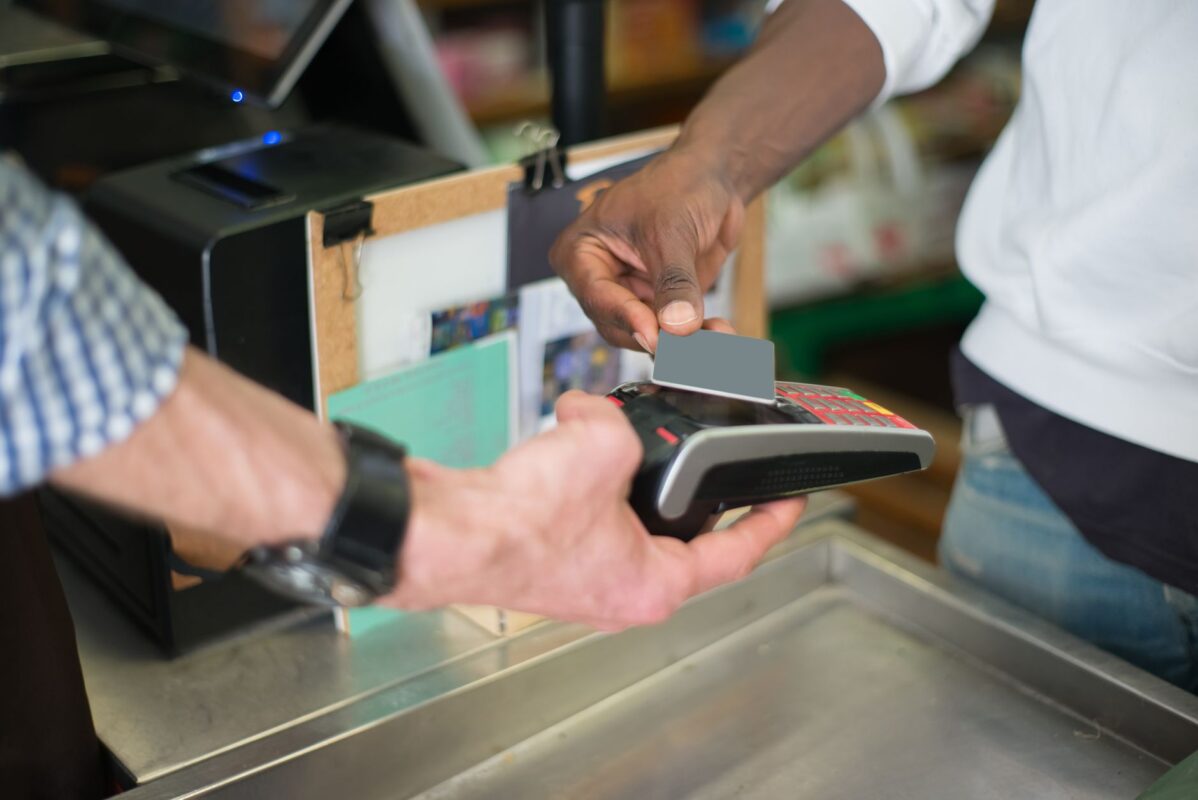
Tap a card on a phone and your profile opens – contact saved, catalogue browsed, review left. No app, no battery, no pairing. NFC business cards feel like magic, but the mechanics are simple and the privacy questions deserve straight answers. Here is how tap-to-share works, what data moves (and what never does), compatibility, and team-rollout economics.
Related: digital vs paper cards, NFC review cards vs QR. Product: digital business card .
How do NFC business cards work?
The card embeds a passive NFC chip storing a short link (a vCard, your MyDigiBiz profile, catalogue or review page). Tapping an NFC-enabled phone against it powers the chip momentarily by induction; the phone reads the link and opens it in the browser. Setup is one-time programming of your link onto the chip plus profile creation – we program and test on Android and iPhone before handover. Updating your number later means editing the linked profile, not reprinting the card – the chip points at a living page.
What does a tap share – and what stays private?
A tap shares only what you published on the linked profile: name, designation, phone, email, links, catalogue – your chosen public face. It reads nothing from the tapper’s phone: no contacts copied, no location taken, no data pulled. Privacy-wise the card is a smart hyperlink in plastic, not a two-way exchange – safer than dictating your number aloud in a crowded room, and fully under your control since you edit the profile anytime.
Which phones support NFC tap?
Almost all Android phones from the last decade with NFC enabled, and iPhones from the XS generation (2018) upward reading background tags without any app. Older iPhones and a few budget Androids lack NFC – which is why quality cards print a QR fallback linking the same profile. Test-tap across team phones at handover; compatibility exceptions get QR-first usage while everyone else taps.
What do team rollouts cost?
Per-card pricing with team discounts plus one-time profile setup; cards last years while profile edits stay free. Online sellers list single cards in the low hundreds of rupees. Our shop price includes programming, testing and support, with team pricing on the product page. Judge the cost against one recovered contact: a card that brings back a single lost enquiry has paid for itself.er.
What is inside the card
An NFC business card is a printed card with a passive chip and a small antenna hidden inside. The chip stores one short record, usually a web address. There is no battery and no pairing.
- Chip: a small tag, commonly from the NTAG family, with enough memory for a URL.
- Antenna: printed or embedded wire that picks up power from the phone.
- Payload: a link to your profile page, vCard file or catalogue.
- Printed QR: the same link on the back, for phones without NFC.
- Profile page: the part you actually update. The chip never changes.
Treat the card as a physical shortcut to a page you control. That framing answers most of the questions about updates, privacy and team management.
Tap, QR or typed link: three paths to the same profile
| Path | What the other person does | Works when | Fails when |
|---|---|---|---|
| NFC tap | Holds the card near the top of the phone | NFC is on and the phone is recent | NFC is off, the case is very thick, or the phone is old |
| QR scan | Opens the camera and points it at the code | Almost every phone with a camera | The code is small, glossy, curved or poorly lit |
| Typed link | Clicks a link you send by message or email | Remote conversations | Nothing, if the link is short and stable |
Ship all three on one card. The tap is the fastest path, the QR is the fallback, and the link covers people you meet online.
Programming and testing routine
- Finalise the profile URL. Use a domain you own, not a free shortener that may expire.
- Test the URL in a private browser window, with no login.
- Write the URL to the tag as a standard URL record, then lock the tag to prevent accidental overwrite.
- Test on at least three phones: a recent Android, a recent iPhone and an older device if your team carries one.
- Test with a thick case on, and at the angle people actually hold a card.
- Print the QR on the back and scan it from 30 cm in normal room light.
- Label the card with the team member’s name on the inner face or packaging.
- Keep a log: tag ID, URL, date programmed and the person testing it.
The profile page anatomy
| Section | What to include |
|---|---|
| Photo | A clear headshot, not a logo, if the card belongs to a person |
| Name and role | Exactly as the person introduces themselves |
| One line | What the business does, in plain words |
| Primary action | Call, WhatsApp or book, as one obvious button |
| Links | Website, catalogue, booking page, location |
| Proof | Review link or a short testimonial, not a wall of logos |
| Contact | Phone, email and address with a map link |
Load the page on a slow connection before you hand out 50 cards. A profile that takes ten seconds to open loses the moment the tap created.
Team rollout and lifecycle
| Moment | Action |
|---|---|
| New joiner | Create the profile, programme a card, test it, hand it over with the QR explained |
| Designation or number change | Edit the profile. No reprint unless the printed details also changed |
| Leaver | Deactivate or reassign the profile the same day |
| Rebrand | Update the profile and the domain first, then reprint cards |
| Lost card | Reprogramme a blank to the same profile. Do not share a live profile between people |
Decide in writing who owns the profile, the domain and the contact data. A card that walks out with a leaver should not take the audience with it.
Common mistakes
- Programming a link to a staging site or a page that needs a login.
- Using a free shortener that shows ads or expires.
- Shipping NFC only, with no QR fallback.
- Handing out cards before the profile is finished.
- Testing on one phone and assuming every phone behaves the same.
- No analytics, so nobody knows whether taps turn into enquiries.
- Leaving a leaver’s profile live with the company number.
- Printing a QR that is too small for the back of a standard card.
FAQs
What if I change jobs or numbers? Edit the profile in minutes; every card already handed out updates instantly. Leavers’ cards get deactivated or reassigned centrally.
Do taps need internet? The tap itself needs none; opening the linked profile needs data – same as any shared link.
Where do I order? Shop product with programming or contact us for team rollouts with sample profile to try on your phone first.
Last updated: 20 September 2026. Seller prices change – check live listings.