
Why a clear website design process saves you time and money
If you are planning a new site, this guide explains our website design process in plain words. A business website moves through 7 clear steps, and the biggest delay is almost always content, so prepare your text and photos first.
We are DeskBees, based in Secunderabad, Hyderabad. We follow Understand to Build to Support, so you always know what happens next. You can reach us on WhatsApp at +91 83285 42023.
This guide walks through the full website design steps we use for service businesses. If you want an overview of our service, see our website design service in Hyderabad. For pages and content help, keep this companion guide open: small business website guide: pages, content, launch checklist.
Why a clear website design process saves you time and money
A clear website project plan saves time because every person knows what to do next. You do not waste weeks in back and forth. We do not guess what you want.
What a process actually covers
A good process covers scope, content, design, build, testing, launch, and care. It names who approves what. It sets how comments are shared and when content is due.
How it protects your budget
A process protects your budget by fixing decisions early. Text and page list come before design. Design comes before build. For cost context, read our 2026 website cost guide for Hyderabad.
Step 1: Brief and discovery (the questions we ask)
Step 1 is a short call or WhatsApp chat to understand your business. Do you want calls, WhatsApp chats, form fills, store visits, or online payments.
What we ask on the first call
- What your business does in one line and who the site is for
- Your top three services, areas served, and goal for the site
- Logo, colours, photos, domain, and who will approve design
What to have ready before you start
Share business name, phone, WhatsApp, email, address, hours, services, photos, and logo files if you have them. Your exact timeline is confirmed in the quote after discovery.
Step 2: Page plan and content list
Step 2 turns your brief into a page plan. It lists every page, every section, and who will provide text and photos. See our small business website guide: pages, content, launch checklist.
How we fix the sitemap
We keep navigation simple for phones. Fewer top items. Clear labels. Phone and WhatsApp visible without scrolling too much.
The content list we share with you
Send text in one document per page. Send original photos with clear file names. If content is ready, design moves fast.
Step 3: Design on a live link, with your comments
We share a private live link you can open on phone and computer. You see real layout, real menu, and real buttons. Read how we used the same method ourselves: case study: rebuilding DeskBees.com.
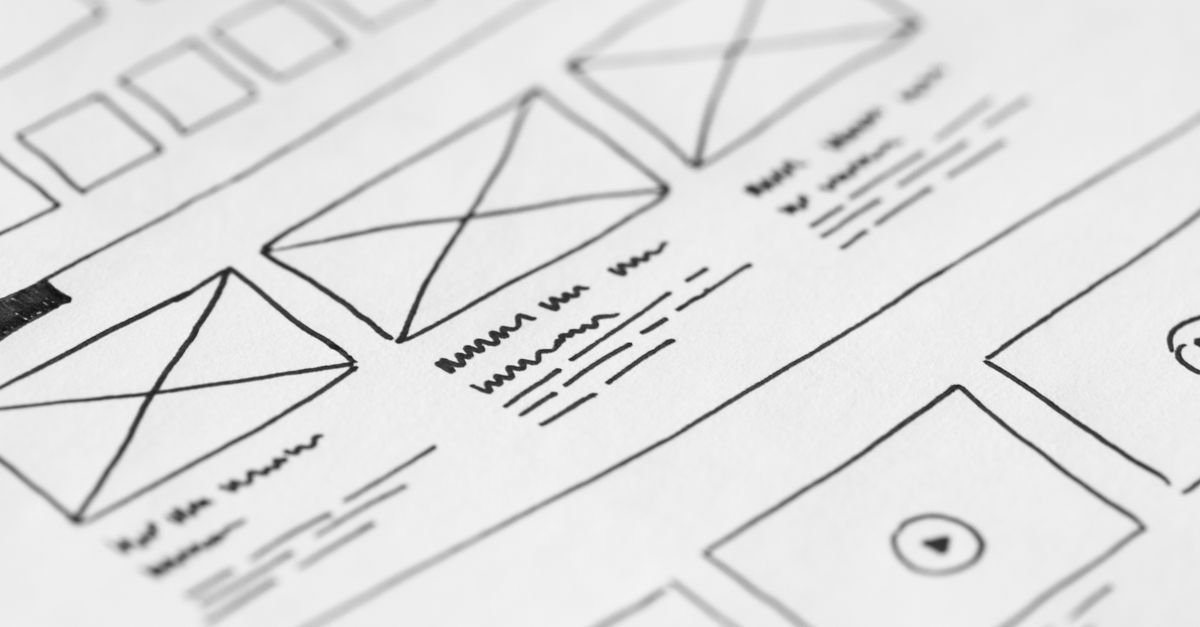
Wireframe first, then visual design
We confirm order of sections before we polish colours and spacing. Buttons use clear labels like Call Now, WhatsApp Us, or Get a Quote.
How to give comments that save rounds
Point to the exact section. Say what is wrong and what you want instead. One approver keeps the web design timeline short.
Step 4: Build: forms, WhatsApp, maps and payments
Build turns approved design into a working site. A visitor should be able to call you, message you, find you, and ask for a quote in seconds.
Forms, calls, and WhatsApp
Click to call on phones. WhatsApp button with pre filled message. Short quote form with thank you message and tested email delivery.
Maps, services, and payments
Correct map pin, written address, hours, and service areas on every key page. Simple payment or booking links only if you need them.
Step 5: Testing on phones, speed and forms
We test like a customer. Phones first, then desktop. We check menu, buttons, images, links, and contact details on every page.
Phone, browser, and layout checks
Headings should not overlap. Buttons should be easy to tap. Header phone must match footer phone.
Speed, forms, and basic SEO checks
We compress images and test every form. Ask for our Website Redesign SEO Checklist (PDF) if you are replacing an old site.
Step 6: Launch: domain, SSL, email and Search Console
We move the site from private link to your real domain with SSL. Visitors should see the lock icon. Email and forms are tested.
Domain, hosting, SSL, and email
We confirm domain and hosting access, force HTTPS, check business email delivery, and set backups. You own your domain, hosting, and site.
Search Console, Analytics, and final checks
We submit the sitemap and check titles and indexing basics. For reference we follow Google guidance in the SEO starter guide.
Step 7: Care after launch
Care includes updates, backups, uptime watch, small edits, and form checks. Each month test your form once and check phone speed and contact details.
Typical timelines by website type
A common question is how long does it take to build a website. It depends on pages, content readiness, feedback speed, and integrations. Your exact timeline is confirmed in the quote after discovery.
- Single page starter site with ready content: typically faster, fewer pages to design and test
- Standard 5 to 10 page business site: typically a few weeks from approved content to launch
- Larger site with blog, bookings, or payments: typically longer due to templates and testing
For 2026 Hyderabad cost context, see how much does a website cost in Hyderabad.
What slows projects down, and how to avoid it
Late content is the top cause. Start drafts in Step 1. Scattered feedback is next. Use one approver and one combined list per round. Scope growth mid build needs a revised plan. Access delays for domain and hosting should be fixed in Step 1.
FAQs
How long does it take to design a business website?
It depends on pages, content, feedback, and add ons. A small site with ready content typically moves in a few weeks. Your exact timeline is confirmed in the quote after discovery.
What do I need to give my web designer?
Business details, services, contact points, photos, logo if you have one, sites you like, and domain logins. Rough notes are enough to start. See our small business website launch checklist.
Can I see the design before the website goes live?
Yes. You approve design on a private live link before launch. Nothing goes live without your approval.
Your next step: get a clear plan and quote
Planning a new website or a redesign? Send us your current website, or a few sites you like, on WhatsApp and we will suggest a plan and a quote. Open WhatsApp
We work from Secunderabad, Hyderabad with a simple method: Understand to Build to Support.